
Skip to content

NexEco AI browser extension: Make AI work where you work

  • Research, summarize, write, and ask questions – work with AI directly in the browser
  • Get context-aware AI answers based on company knowledge
  • All AI interactions follow the same rules configured in the AI Workspace
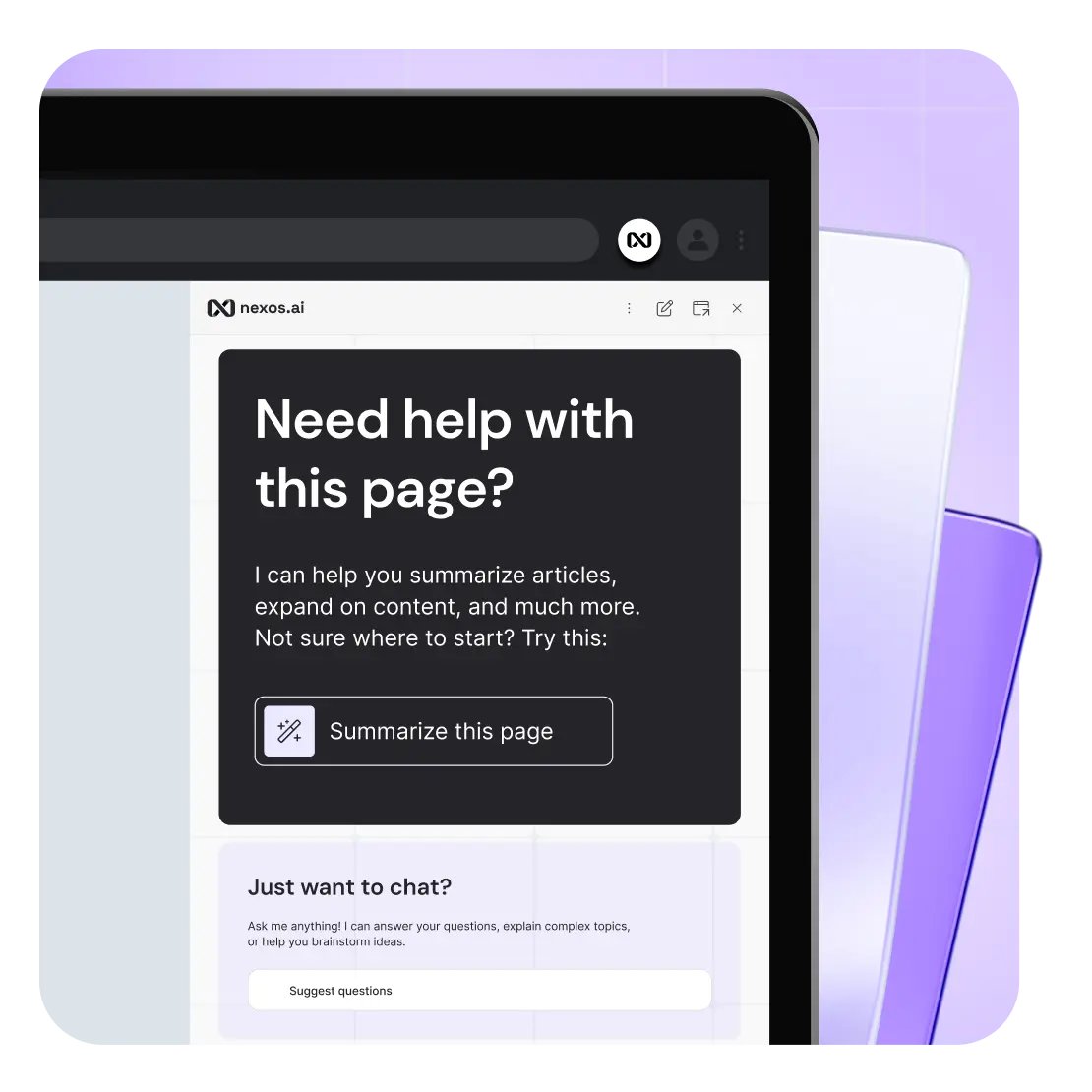
NexEco AI browser extension interface

What is the NexEco AI browser extension?

The NexEco AI extension is a secure browser tool that brings leading AI models directly into your web experience. It integrates seamlessly with Chrome, allowing you to interact with multiple AI models, leverage AI Assistants, and maintain full security while working on any webpage without switching tabs or losing context.

Key benefits of using the NexEco AI browser extension

The extension transforms how your team uses AI daily. Here's why it matters.

Access multiple LLMs in one interface while browsing

Switch between ChatGPT, Claude, Gemini, and other models directly from the extension sidebar. No more juggling between different AI tools or browser tabs. Select from the same range of leading AI models available in your AI Workspace.
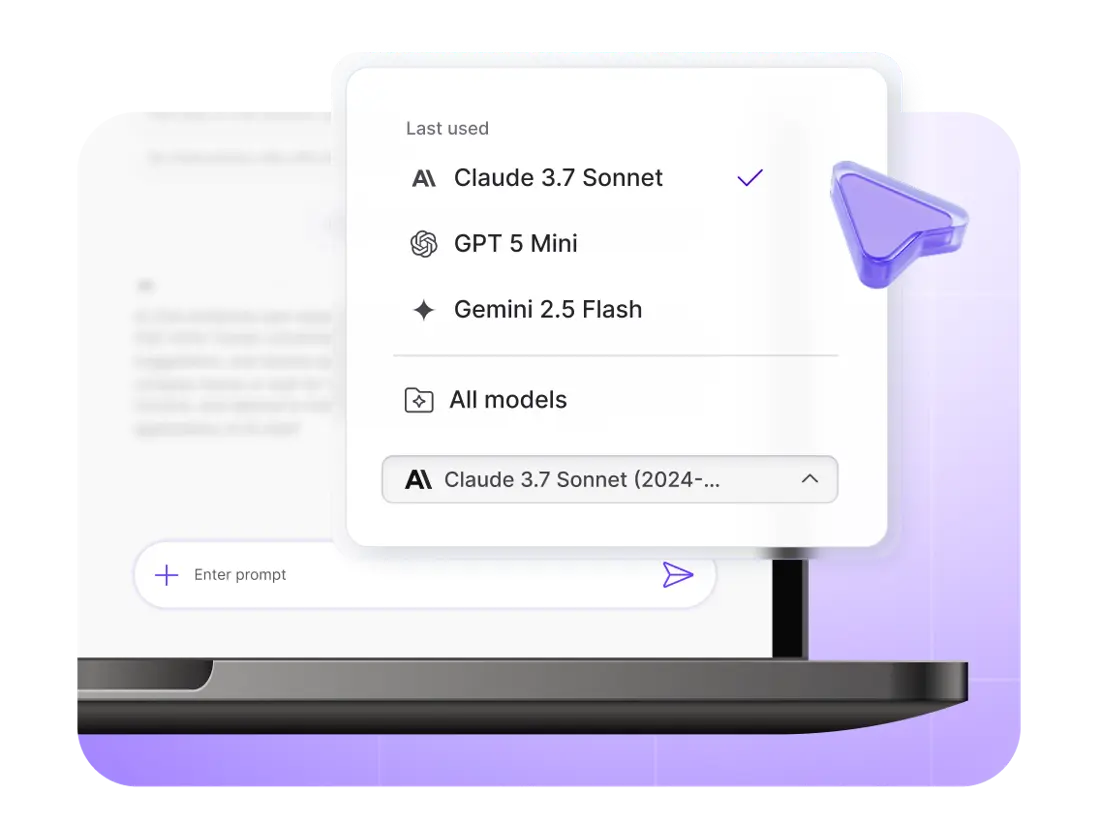
AI model selection in NexEco AI browser extension

AI Assistants at your fingertips

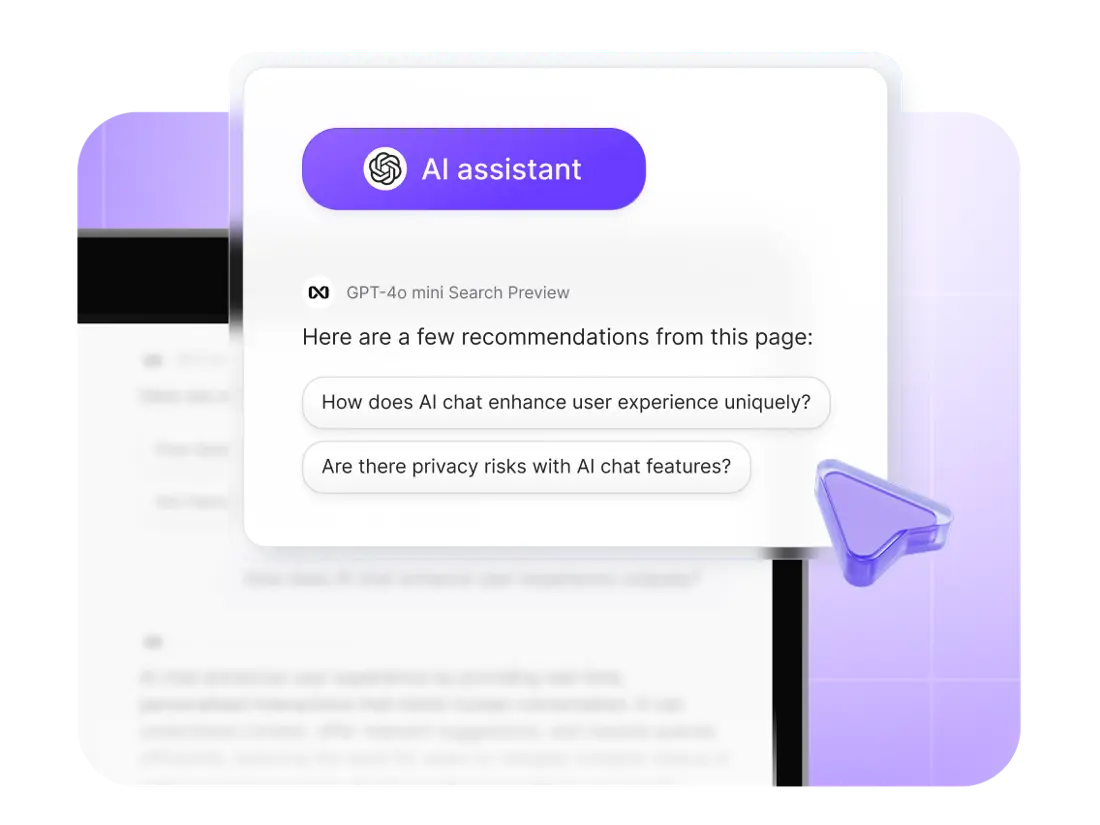
Bring your custom AI Assistants directly to browser chats. Access pre-built Assistants wherever you browse. Apply their specialized capabilities to web content for immediate answers.

AI assistants available directly in NexEco AI browser extension

Enterprise-grade governance and security

The same company-wide Guardrails, governance, and AI policies that apply to AI Workspace also apply to the browser extension. No shadow AI, full AI observability, and complete compliance tracking. Your security team maintains control while your teams gain productivity.

Synced AI chat history

All interactions within the browser extension are automatically saved to your AI Workspace chat history. Come back to your conversations whenever you need them.

Context-aware AI assistance

Instantly summarize any webpage or “chat with website.” The extension reads and understands webpage content even when the LLM can't access it natively, providing relevant assistance, analysis, and data extraction.

How does NexEco AIbrowser extension work

01

Install the extension

Visit Chrome Web Store and search for "NexEco AI" or click the installation link below. Click "Add to Chrome."

02

Log in and configure

Sign in with NexEco AI account. Pin extension for easy access

03

Start using

Go to the page you want and click on the extension. Start using AI immediately with the content you're viewing.

How teams use NexEco AIbrowser extension

The extension transforms everyday workflows across departments.
Here's how different teams leverage it.

Research and content analysis

Summarize long articles, web pages, documentation, or research papers without switching contexts. Extract key insights from webpages as you read them.

Writing and content creation

Generate content based on the website you're viewing. Get AI assistance while drafting emails or documents without leaving your current page.

Customer support and communication

Draft personalized responses using customer context from Projects and AI Assistants – your AI knowledge layer. Translate communications in real-time right where you're reading them.

Data extraction and automation

Extract structured data from web pages with a single prompt. Automate repetitive browser tasks, research, and reading with AI assistance.

AI Chat and Assistants

Chat with any AI model side by side with the web page you're viewing. Pull information from AI Assistants from the browser for immediate insights.

Browser extension

Unlock AI where you already work

Get NexEco AI

FAQ